What a Restaurant Website Actually Needs in 2026
A restaurant without a website loses reservations every single day. Potential diners search for menus, hours, and location details before deciding where to eat, and if they find nothing or land on a poorly built page, they move on. The problem is that building a professional restaurant website has traditionally required either hiring a developer (typically $1,000 to $5,000 for a basic site) or wrestling with template builders that produce generic results with poor search engine performance.
AI website builders have changed this equation. Instead of dragging blocks around a canvas or writing code from scratch, you can now describe what you need in plain language and get a functional, optimized website in minutes. But not all AI builders deliver the same quality, especially when it comes to the technical details that determine whether your restaurant actually appears in Google search results.
This guide walks through the full process of creating a restaurant website with AI, from initial setup to SEO optimization and multilingual support, using practical steps you can follow today.
Why Restaurants Specifically Benefit from AI Website Creation
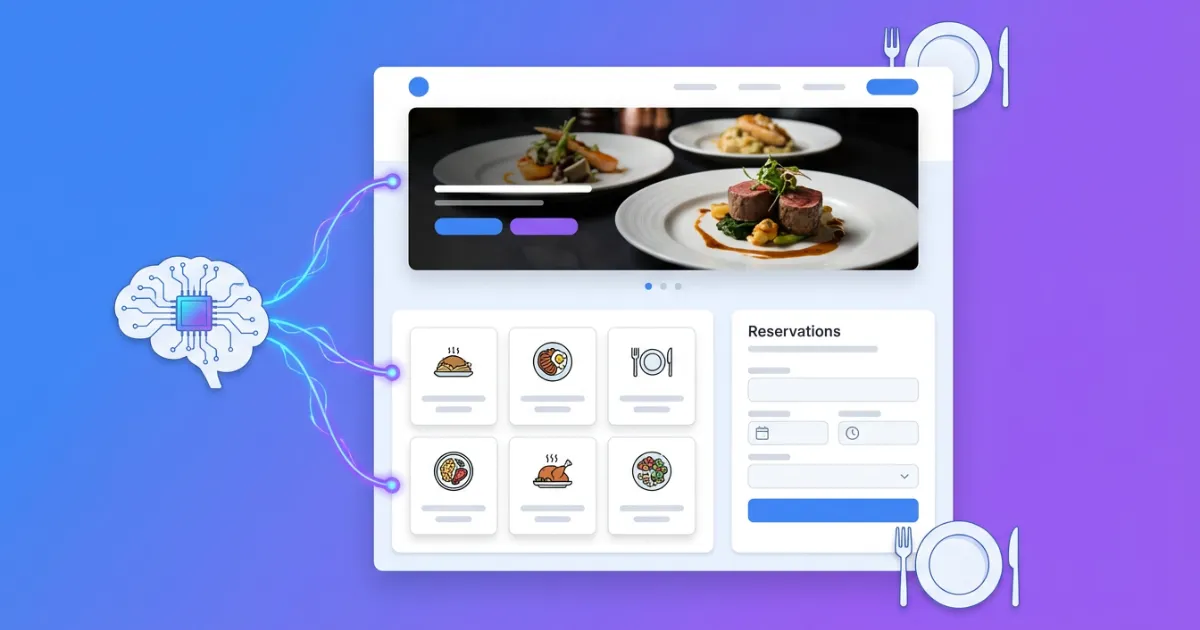
Restaurant websites share a common set of requirements that make them particularly well suited for AI generation. Every restaurant site needs a hero section with appetizing imagery, a menu or services section, a photo gallery, testimonials, contact information with a map, and a clear call to action for reservations. This predictable structure means AI tools can produce complete, industry-specific layouts without extensive manual configuration.
The typical restaurant owner is not a web developer. They run a kitchen, manage staff, handle suppliers, and deal with health inspections. Asking them to learn CSS or figure out responsive design is unrealistic. An AI website editor that accepts natural language instructions removes that barrier entirely. You type "add a photo gallery showing our dining room and terrace" and the system generates the appropriate section with proper HTML structure.
There is also the timing factor. Seasonal menu changes, special events, holiday hours: restaurant websites need frequent updates. Traditional web development makes each change a cost and a delay. With AI editing, updating your site takes minutes instead of days.
The SEO Problem Most Restaurant Owners Miss
Here is where things get interesting. Many AI builders produce visually attractive pages that perform terribly in search engines. They generate React single-page applications with client-side rendering, which means Google's crawlers see an empty page until JavaScript executes. No semantic HTML, no structured data, no proper heading hierarchy.
For a restaurant, this is devastating. When someone searches "Italian restaurant near me" or "best brunch in [city name]," Google relies heavily on structured data (Schema.org markup), clean semantic HTML, and fast page loading. A restaurant website built with a tool that outputs div-heavy JavaScript applications will struggle to rank, no matter how good the food photography looks.
Tools like SpeakSite's automatic SEO system generate server-rendered PHP with semantic HTML5 elements, automatic Schema.org/JSON-LD markup for restaurants, proper heading hierarchies, and optimized meta tags. The difference in search visibility between a semantically correct restaurant page and a JavaScript-rendered one is substantial.
Step by Step: Building Your Restaurant Website with AI
Step 1: Define Your Restaurant's Core Information
Before you touch any tool, prepare the following:
- Restaurant name, cuisine type, and a two-sentence description of what makes your place distinctive
- Address, phone number, email, and business hours (including any seasonal variations)
- Your menu, either as text or a PDF you can reference
- At least 8 to 12 high-quality photos: exterior, interior, 4 to 6 signature dishes, your team
- Links to your social media profiles
- Any existing branding: logo, color palette, fonts you use on printed materials
Having this ready before you start prevents the back-and-forth that slows down the creation process.
Step 2: Use the AI Wizard to Generate Your Base Site
Modern AI website builders offer guided creation wizards. In SpeakSite's page generator, the process follows six steps:
- Your Business: Enter your restaurant name, select "Restaurant" as the industry, and provide your description. The AI uses industry-specific defaults: an elegant visual style, sections for hero, about, services (your menu highlights), gallery, testimonials, call to action, and contact.
- Visual Style: For restaurants, the "Elegant" preset works well as a starting point. It uses refined typography, warm tones, and layouts that prioritize food photography.
- Structure: Choose your menu type (simple navigation works for most single-location restaurants), footer style, and reorder your homepage sections. Put the gallery and menu highlights above the fold.
- Content: Set the tone (elegant and inviting for fine dining, casual and warm for bistros), primary language, and enter your contact details.
- Images: Upload your own photos rather than relying on stock placeholders. Authentic photography of your actual dishes and space outperforms generic stock images in both conversion and search rankings.
- Review and Create: Check the wireframe preview, then generate. The AI produces the full site in under two minutes.
Step 3: Refine with Natural Language Instructions
The generated site is a solid starting point, but you will want to customize it. This is where AI editing shines. Instead of hunting through settings panels, you give direct instructions:
- "Move the reservation button to the top right corner of the header"
- "Change the gallery layout to a three-column masonry grid"
- "Add our lunch hours below the dinner hours in the contact section"
- "Make the menu section show dishes with prices aligned to the right"
You can type these instructions, dictate them by voice, or even draw directly on the page preview to indicate which area you want changed. Each instruction triggers an AI edit that modifies the actual HTML and CSS, not just a visual overlay.
Step 4: Configure Your Menu and Key Pages
A single-page restaurant website can work, but most restaurants benefit from at least three to five pages:
- Homepage: Hero image, brief intro, featured dishes, testimonials, reservation CTA
- Menu: Full menu with categories, descriptions, prices, and dietary indicators (vegetarian, gluten-free, etc.)
- Gallery: Photo grid of your space, dishes, and events
- About: Your story, your chef, your philosophy
- Contact/Reservations: Address, map, hours, phone, reservation form
For the reservation form, you can use the built-in form builder to create a contact form that captures name, date, party size, and special requests. Leads arrive in your dashboard and, if you configure SMTP, directly to your email.
SEO Configuration That Makes Your Restaurant Findable
Generating a restaurant website is only half the work. Configuring it for search engines determines whether anyone actually finds it.
Schema.org Markup for Restaurants
Schema.org structured data tells search engines exactly what your business is. For restaurants, the critical schema types are:
- Restaurant schema: Name, address, phone, cuisine type, price range, hours of operation
- Menu schema: Links your menu to the restaurant entity
- Review/Rating schema: If you display customer reviews on your site
- LocalBusiness schema: Reinforces your geographic presence
Builders that generate this markup automatically save you from having to write JSON-LD by hand. When configured correctly, Google can display rich results for your restaurant, showing hours, ratings, price range, and cuisine type directly in search results.
Meta Tags and Open Graph
Each page needs its own optimized title and description. For a restaurant, effective meta titles follow patterns like:
- Homepage: "[Restaurant Name] | [Cuisine Type] in [City] | Reservations"
- Menu page: "Menu | [Restaurant Name] | [City]"
- Contact: "Contact & Reservations | [Restaurant Name]"
Open Graph tags ensure your pages look right when shared on social media. When someone shares your restaurant link on Facebook or Instagram, the OG image, title, and description determine whether that share generates clicks or gets ignored.
Local SEO Essentials
Restaurant searches are overwhelmingly local. Google prioritizes businesses with consistent NAP (Name, Address, Phone) information across their website, Google Business Profile, and directory listings. Make sure your website displays the exact same business name, street address, and phone number that appears in your Google Business Profile.
Include your city and neighborhood names naturally in your content. A heading like "Authentic Thai Cuisine in Brooklyn Heights" carries more local search weight than "Our Amazing Food."
Adding Multilingual Support for Tourist Areas
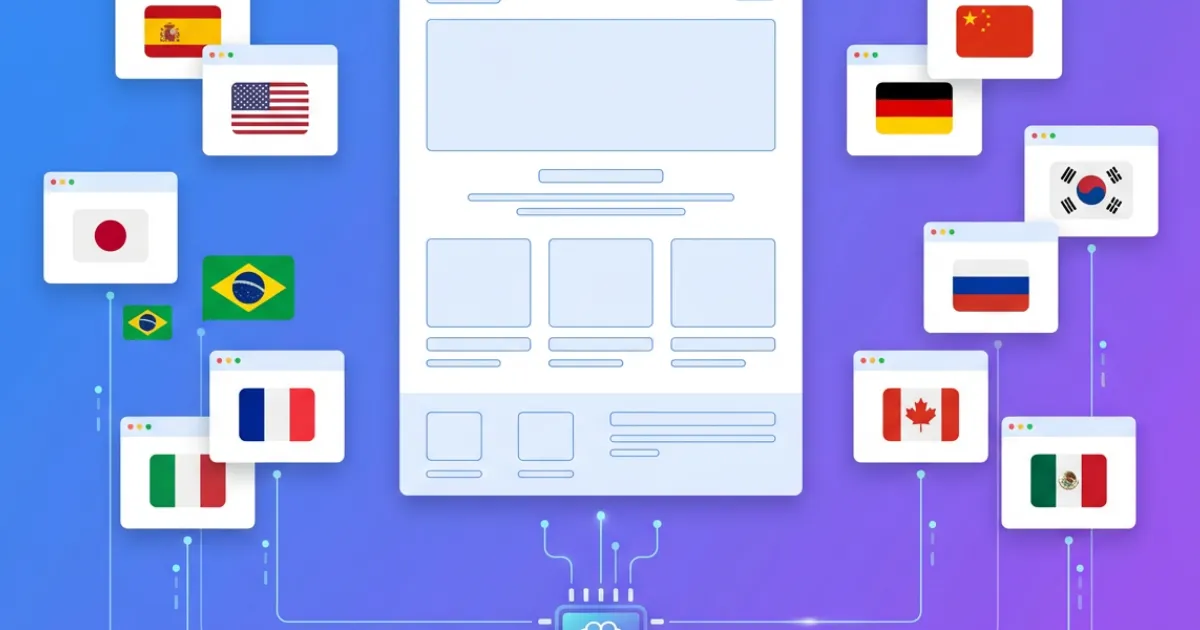
Restaurants in tourist destinations, business districts, or multicultural neighborhoods benefit significantly from offering their website in multiple languages. A visitor from France searching "restaurant japonais à Barcelone" is more likely to click a result in French than one in Spanish or Catalan.
AI-powered translation goes beyond word-for-word conversion. Contextual translation adapts culinary terminology, measurement units, and cultural references. "Entrantes" does not always translate directly; the AI understands when to use "starters," "appetizers," or "antipasti" depending on the target language and cuisine context.
The technical implementation matters too. Proper multilingual setup requires hreflang tags (telling Google which language version to show to which users), separate URLs per language (path-based like /en/menu or /es/menu), and translated meta tags for each page version. Setting this up manually is tedious. AI tools that handle it automatically eliminate a common source of technical SEO errors.
Blog Integration: Why Your Restaurant Should Publish Content
A blog integrated with AI gives your restaurant website two advantages: fresh content that signals activity to search engines, and long-tail keyword opportunities that a static site cannot capture.
Effective restaurant blog topics include:
- Seasonal menu announcements with ingredient sourcing stories
- Behind-the-scenes posts about your chef or kitchen team
- Event recaps (wine dinners, tasting menus, holiday celebrations)
- Neighborhood guides that position your restaurant within the local dining scene
- Recipe shares for signature dishes (counterintuitive, but this builds trust and brand awareness)
AI blog generation can produce draft posts that you then review and personalize with your restaurant's voice and specific details. The key word is "draft." Always add your own anecdotes, specific ingredient names from your actual suppliers, and references to real events at your restaurant. Authentic content outperforms generic AI output every time.
Publishing, Domains, and Going Live
Once your site is ready, you need to make it accessible to the public. This involves three decisions:
Domain name: Use your restaurant name if available. Keep it short and easy to spell. Avoid hyphens and numbers. If yourrestaurantname.com is taken, try adding your city (restaurantname-miami.com) or use a country-specific extension (.es, .co.uk, .de).
SSL certificate: Non-negotiable. Google penalizes non-HTTPS sites in rankings, and browsers display warnings that scare visitors away. Most modern platforms include SSL automatically.
Hosting and deployment: Some AI builders host your site for you. Others, like SpeakSite, let you export your code and host it anywhere, deploy via FTP, or push to GitHub. This flexibility matters if you already have hosting or want to avoid vendor lock-in. You own your code and can move it to any server at any time.
Before going live, test your site on actual phones. Pull it up on an iPhone, an Android device, and a tablet. Check that your menu is readable without zooming, that the reservation button is easy to tap, and that images load within two to three seconds on a mobile connection. More than half of restaurant searches happen on mobile devices, and a site that works perfectly on desktop but poorly on phones will lose you customers.
Measuring Results After Launch
Publishing your website is not the finish line. Set up Google Analytics (GA4) and Google Search Console within the first week. These free tools tell you how visitors find your site, which pages they visit, and where they leave.
For restaurant websites, the metrics that matter most are:
- Clicks from search results for your restaurant name and cuisine-related terms
- Reservation form submissions (or phone call clicks on mobile)
- Direction/map clicks from your contact page
- Bounce rate on your menu page: If visitors leave your menu page quickly, it may need better organization or faster load times
- Mobile vs. desktop traffic split: This tells you which experience to prioritize for ongoing improvements
Review these numbers monthly, not daily. SEO results take weeks to materialize, and daily checking creates anxiety without actionable insights. After three months, you will have enough data to make informed decisions about what content to add, which pages to improve, and whether your current keyword strategy is working.
Your Restaurant Deserves More Than a Template
The gap between a generic template site and a properly built restaurant website shows up in search rankings, reservation rates, and the impression you make on first-time visitors. AI website creation has made professional results accessible without a professional budget, but choosing the right tool determines whether you get a site that ranks and converts or one that just looks nice in your browser.
Focus on builders that generate semantic HTML, include automatic Schema.org markup, and give you control over your code. Avoid tools that lock you into proprietary systems where you cannot export your own website.
Your menu, your story, your atmosphere: these are what make your restaurant unique. The website should communicate all of that clearly, load fast, and show up when someone nearby searches for exactly what you serve. With the right AI tool, that is a two-minute setup, not a two-month project.
Start building your restaurant website with SpeakSite and see the difference that clean code and automatic SEO make from day one.